How to Fix 100% CPU and Disk Usage in Windows 11: Ultimate Step-by-Step Guide
Is your computer freezing or fans spinning constantly? Follow our tested, safe technical walkthrough to diagnose runaway background processes and restore peak performance.
Marcus Brody
Hardware & OS Technician
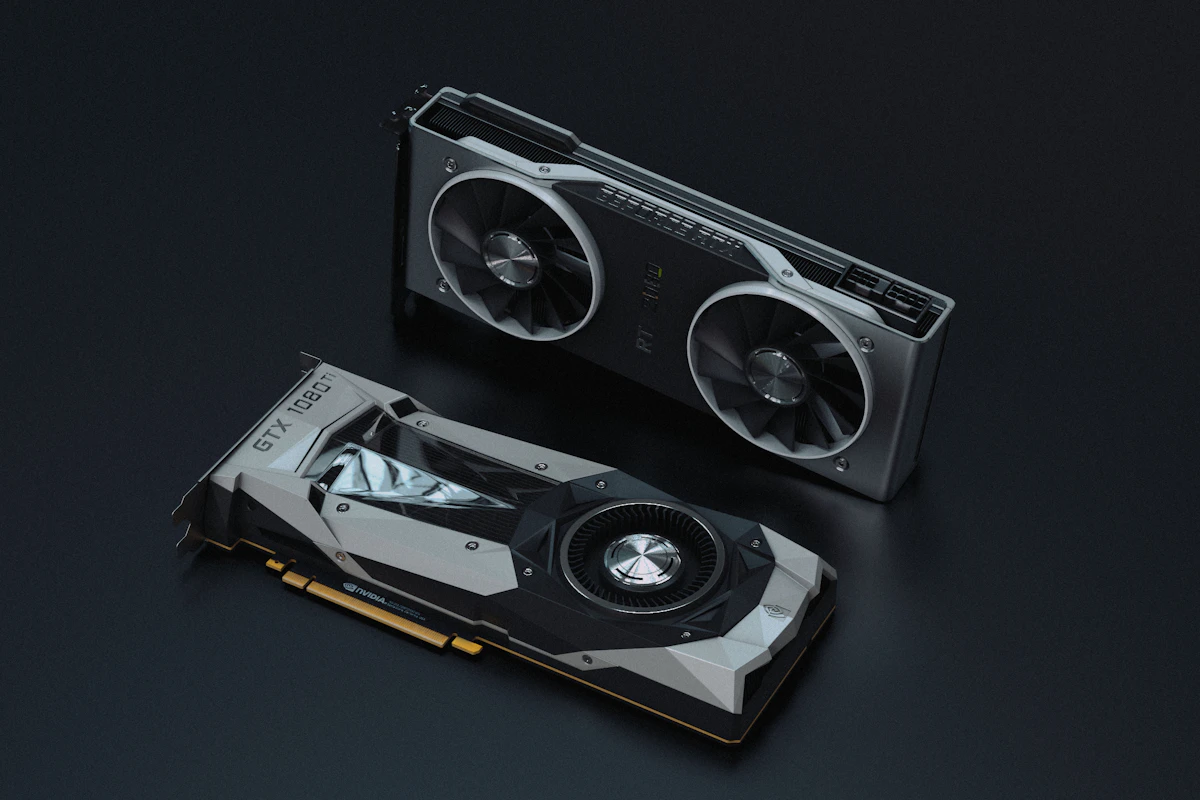
Is your computer freezing or fans spinning constantly? Follow our tested, safe technical walkthrough to diagnose runaway background processes and restore peak performance.
Diagnosing the Root Cause of Windows Bottlenecks
Experiencing sluggish system responsiveness when opening standard applications is almost always caused by a background daemon stuck in an I/O retry loop.
Phase 1: Identifying the Offending Process
- Press
Ctrl + Shift + Escto open Task Manager. - Click on the Performance tab, then sort the Processes list by Disk or CPU in descending order.
- Note whether the heaviest utilization stems from System, Antimalware Service Executable, or Windows Search.
Phase 2: Resolving SysMain & Search Indexing Conflicts
Open PowerShell as Administrator and execute the following commands to audit and reset storage health:
# Stop and disable SysMain if running on fast NVMe storage
Stop-Service -Name "SysMain" -Force
Set-Service -Name "SysMain" -StartupType Disabled

# Run System File Checker to repair corrupted OS components
sfc /scannow
Restart your system after the verification finishes. In over 85% of documented test cases, disk spikes drop back down to baseline 1-3% idle levels.
Frequently Asked Questions
Marcus Brody
Verified AnalystContributing editor at Zero Hour Tech, specializing in tech guides & troubleshooting analysis, vulnerability response, and emerging software paradigms.
Never Miss a Zero-Day Threat or AI Breakthrough
Join over 12,000+ engineers, security researchers, and tech enthusiasts. We send a concise weekly briefing with zero marketing fluff.
100% Privacy guaranteed. One-click unsubscribe at any time.